Casio: How To Avoid Connected App Crash (Android 9-10)
March 12, 2020
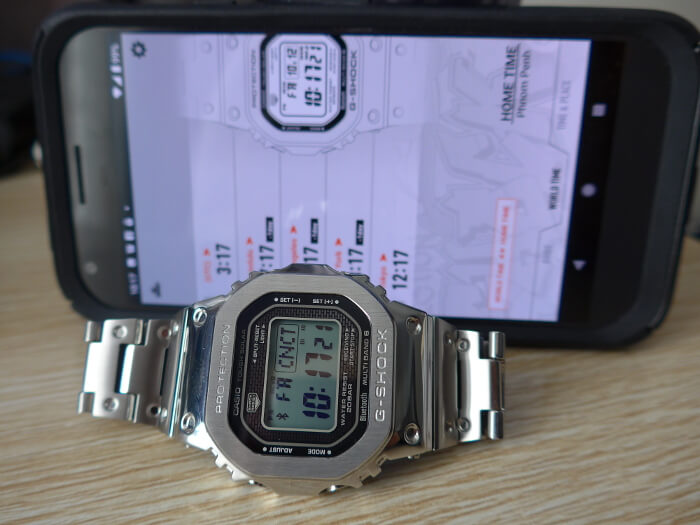
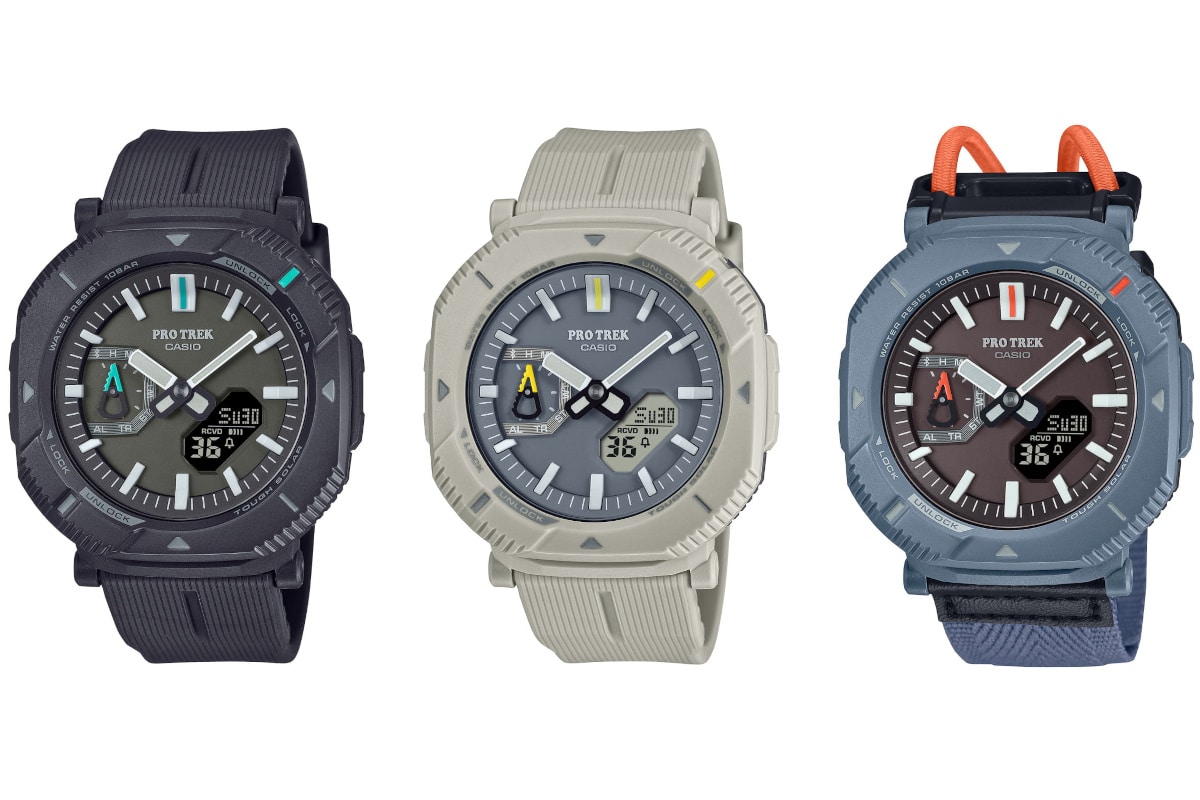
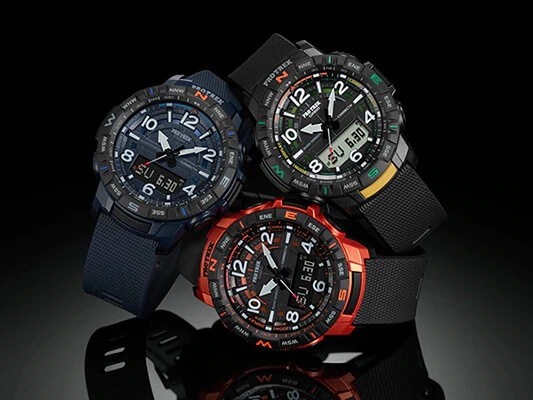
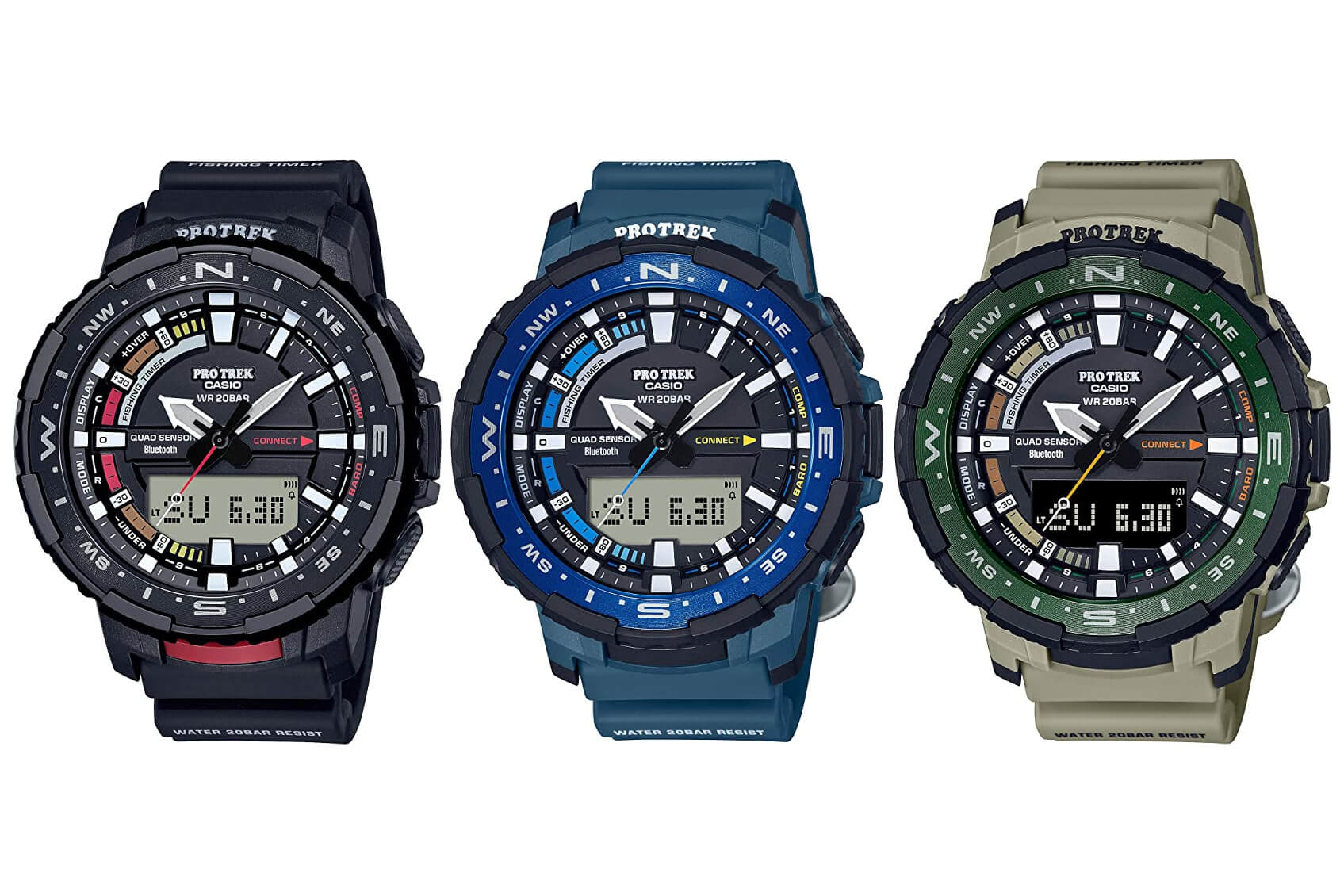
Casio released an instructional video that addresses what to do if you have a problem with your Connected smartphone app crashing with Android 9 or 10. This applies to all Casio “Connected” apps for all brands and editions including G-Shock, MR-G, Baby-G, Edifice, Pro Trek, and Oceanus.
The video states that the OS Settings in “Battery” or “App Notifications” could be the cause.
It says to change the settings of the Connected app in the “Settings” > “Apps” section.
Under “Battery,” deactivate “Background Restriction.” Also, under “Battery Optimization,” deactivate “Battery Optimization” for the app.
Under “Notifications,” activate “Show Notifications.”
For the complete instructions and a visual guide, watch the video.
Disclosure: G-Central is an independent fansite supported by ads. We may earn a commission on sales from our links to external sites labeled with "affiliate link." Prices in articles are USD unless otherwise noted. Japanese yen prices include tax. Please follow your country's official G-Shock site for release updates.
We use technologies like cookies to store and/or access device information. We do this to improve browsing experience and to show (non-) personalized ads. Consenting to these technologies will allow us to process data such as browsing behavior or unique IDs on this site. Not consenting or withdrawing consent, may adversely affect certain features and functions.
Functional
Always active
The technical storage or access is strictly necessary for the legitimate purpose of enabling the use of a specific service explicitly requested by the subscriber or user, or for the sole purpose of carrying out the transmission of a communication over an electronic communications network.
Preferences
The technical storage or access is necessary for the legitimate purpose of storing preferences that are not requested by the subscriber or user.
Statistics
The technical storage or access that is used exclusively for statistical purposes.The technical storage or access that is used exclusively for anonymous statistical purposes. Without a subpoena, voluntary compliance on the part of your Internet Service Provider, or additional records from a third party, information stored or retrieved for this purpose alone cannot usually be used to identify you.
Marketing
The technical storage or access is required to create user profiles to send advertising, or to track the user on a website or across several websites for similar marketing purposes.
To provide the best experiences, we use technologies like cookies to store and/or access device information. Consenting to these technologies will allow us to process data such as browsing behavior or unique IDs on this site. Not consenting or withdrawing consent, may adversely affect certain features and functions.
Functional
Always active
The technical storage or access is strictly necessary for the legitimate purpose of enabling the use of a specific service explicitly requested by the subscriber or user, or for the sole purpose of carrying out the transmission of a communication over an electronic communications network.
Preferences
The technical storage or access is necessary for the legitimate purpose of storing preferences that are not requested by the subscriber or user.
Statistics
The technical storage or access that is used exclusively for statistical purposes.The technical storage or access that is used exclusively for anonymous statistical purposes. Without a subpoena, voluntary compliance on the part of your Internet Service Provider, or additional records from a third party, information stored or retrieved for this purpose alone cannot usually be used to identify you.
Marketing
The technical storage or access is required to create user profiles to send advertising, or to track the user on a website or across several websites for similar marketing purposes.